

4·
14 days agoThis is awesome! Thanks for sharing
This is awesome! Thanks for sharing
No, it’s for browsing your self-hosted video library.

Probably embrace, extend, extinguish.
For the immediate future, Europeans are personally and politically invested in digital sovereignty. The best way to get ahead quickly is to invest in open source projects. For the time being, interests seem to be aligned in favor of FOSS.
Of course, you are right. It can’t last forever.
Europe is increasingly funding projects through NGOs and government foundations. If FOSS software is a public good, then we should devote public funds to it.
Some projects offer paid hosting for those who can’t or don’t wasn’t to self-host. Some (particularly mobile apps) push a paid version to stores to subsidize those using FOSS sources to download.
I use navidrome. You could set it up with individual accounts and use any Subsonic compatible player. I’m not sure what you mean by specific time periods, so I’m not sure about that.
It has a very serviceable web app, and lots of front end clients. I like Tempus on Android, and Strawberry on PC.
I’ve found that navidrome is just more stable and usable than other server apps. Yes, you could do it through Home Assistant or Jellyfin or NextCloud, but those apps are not purpose-built for music. Just my 2 cents.
Following because I am really a beginner myself. That said, I have been self-hosting a dozen or so services for about 2 years now. It is very intimidating to begin.
A docker container is basically a sort of virtual machine stripped down to what is precisely essential for a given container. That means that apps running in docker are repeatable and will run identically on any hardware and software.
When it comes to networking, you can choose to have services exposed to the internet or not. If they are not exposed, you can only access them over a local network. That might be fine for a nightly backup or HomeAssistant that’s only operated locally. It’s a good place to start.
You can also use a certain type of VPN to create a virtual local network. That allows you to access your home server from any connected device. That’s what I do, using Tailscale. It is fine if you are only connecting to the server from a limited number of devices, since each one will need to be logged in to the same network.
I use ONN Android boxes. Fairly inexpensive, but I think it’s difficult to set up without a Google account (you can create a dummy account on the setup).
Side-loading is trivial. Some favorite apps: TizenTube to replace YouTube (or any of a dozen or so frontends), Projectivy launcher to replace the awful default. Add an always on VPN.
Yes? OP is specifically looking for something other than NextCloud. OwnCloud has basically zero bloat and in my experience is easier to set up than NextCloud.
I use OwnCloud, which was forked into NextCloud ages ago. I originally intended it as a temporary measure, but it has turned out to be a very reliable, no-frills but adequately featured fileserver. For example, it has file versioning, and companion apps on major OSs that help with managing local and cloud stored files.
If you want a dead simple option, CopyParty is amazing. It’s a 1MB Python file that is basically a Swiss Army knife of file hosting. FTP, web interface, WebDAV, SMB, etc., etc. It wont have system integrations or file versioning, but it’s impressive what it can do.
Edit: worth mentioning CopyParty has an in-browser media player, which is perfectly adequate for previews.
Yes, there are a couple import tools for Google Takeout, and you should absolutely use one. I don’t recall if I used this particular tool, but it is strictly necessary to get a clean import.
Other examples:
Google Photos Takeout Helper - Readme includes detailed step by step instructions.
Takeout Helper Neo - a fork of the above with additional features
Photo Migrator - designed to work with multiple services
My exact setup after trying a lot of different configurations.
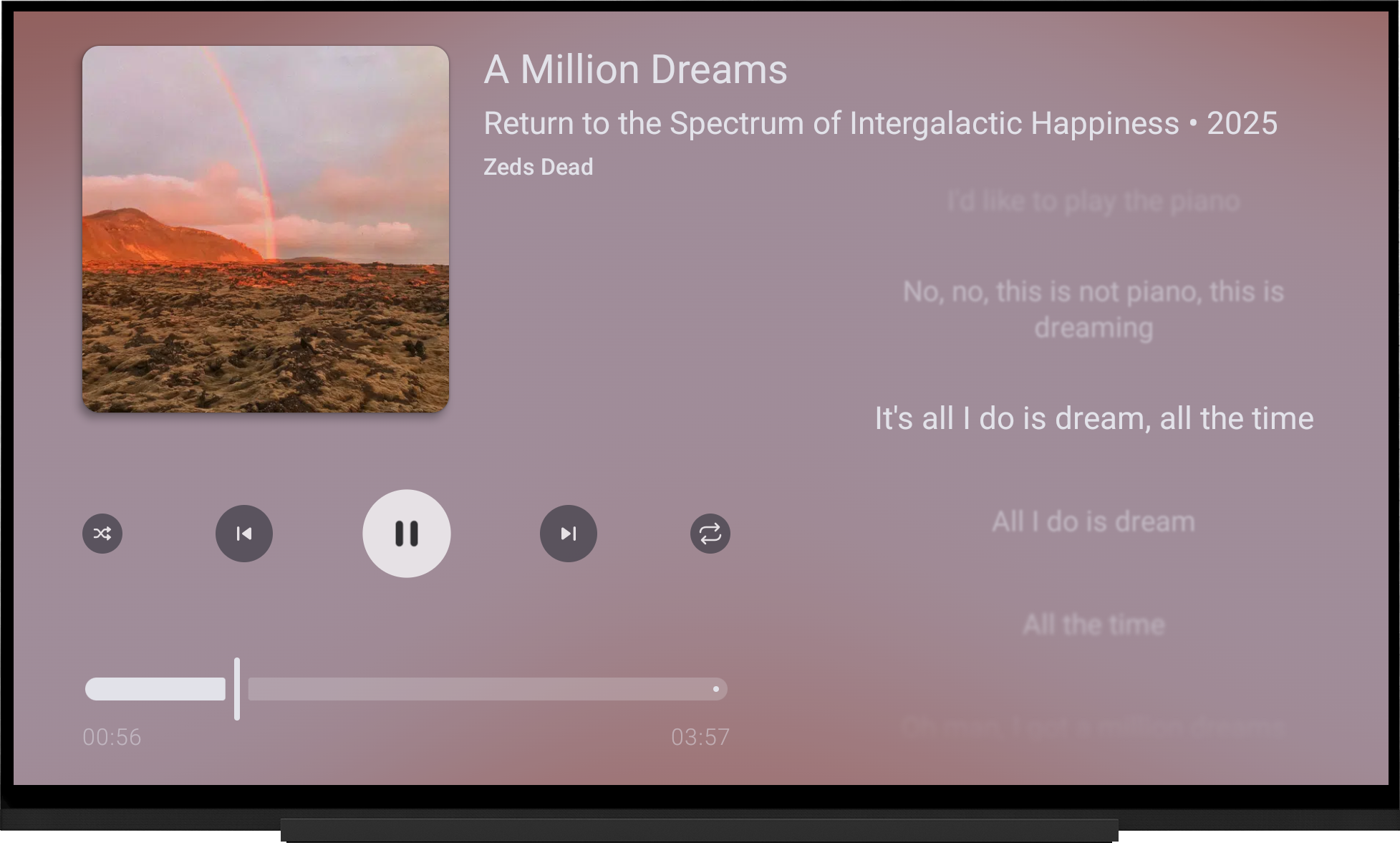
Big +1 for LRCGET. It is extremely powerful and dead simple to use. I’m generally able to point it at a directory and press go. It will return lyrics about as accurately and reliably as any manual search, and it has the (experimental) ability to embed the lyrics as well.
I prefer embedded lyrics, since I know that they will be available and inseparable from the files regardless of what my library looks like in the future.
Never tried it. It looks like maybe the mobile app is not available from open source repos.
FYI, I came across an app called FindFamily on F-Droid, but it looks like a vibe-coded vaporware, and who knows what server it’s connecting to in the background.
On device, I’d trust OwnTracks, Colota, or GPSLogger, then use Dawarich or Reitti on the server. That is, if you are interested in device history, which could be useful in tracking a lost device, or just having your personal memoies saved.
These do not provide defensive measures like photo or remote wiping. FMD can do that over SMS if the phone is disconnected from the server.
I had this and switched to reitti with owntracks specifically to work with multiple family accounts. Owntracks is not as nice as Colota in most ways, but shows the live location of my family. I had some stability issues with dawarich using multiple devices (most likely user error) but liked it. I do think that reitti has a nicer interface and features, but probably a matter of taste.
Sure. As a fork, it has all of the benefits of Calibre-web. It’s stable, well established, versitile, works well with Calibre desktop software (they are three different projects, despite the similar names). Yet it has a number of different features like automatic ingest, writing/converting files, sending to different devices, etc. There is a pretty complete list on the GitHub page I linked. It has a big community and active development, so its likely that any features you might look for could be coming soon.
There are other self hosted software projects for ebooks (you can even use Jellyfin!). I had switched to Booklore at one point for a more modern UI and tracking, but it was more flash than execution and ultimately looks like it flamed out over some community issues. There are also projects like Kavita that are designed for features around comics/manga, but also do an excellent job with ebooks in general.
You should consider two things: what the library looks like, and where it will be read. If it is mostly books with a few other media (like comics, PDFs, etc.), then CWA is probably a good bet. If it’s mostly comics and manga with some books and other media, consider whether Kavita is the better fit. If it is mostly DRM content, and you or if you want to manage it through Calibre Desktop, how does it connect? How often are new books being added and from where?
What screen will it ultimately be read on? If it’s an ereader, check out the “books” and “self-hosted” communities here on Lemmy for which protocol, etc. is used. If it will be read on a computer or mobile device, what apps are available? Will it be read on multiple devices?
For example, if it is a small library, read on an Android/iOS device, Jellyfin with JellyBook may be fine. If it is a large manga library already tracked on AniList, Kavita may be a good bet. If features like notes and highlights are important to sync across devices, something like Anx Reader with WebDAV might even be better.
What OP describes is an excellent setup for 90% of cases.
Excellent writeup! Thanks for posting. Lately, I’ve been using Calibre Web Automated, an active fork with a lot of added features and compatibility features.
Depending on someone’s setup it may or not be worth it to switch (Calibre-web works great), but I’d definitely recommend it for someone starting up.


It does connect to Plex and Jellyfin. Someone else also posted a similar open source project in the comments.